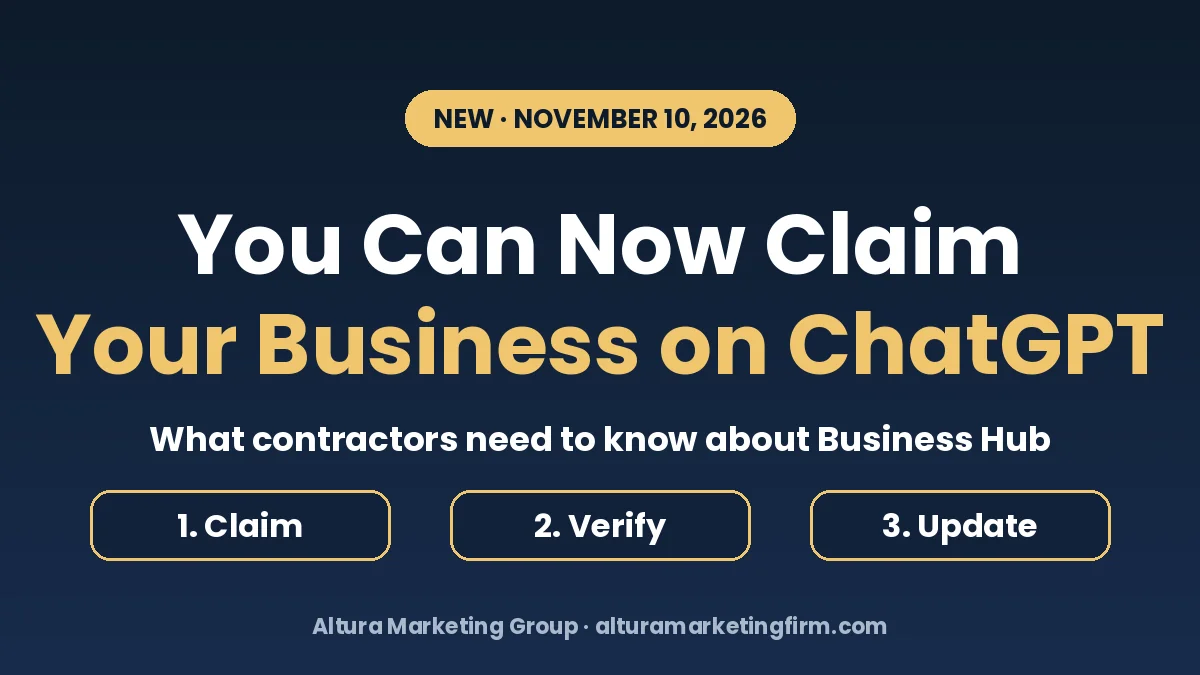
As of November 10, 2026, businesses can claim their listing in ChatGPT. OpenAI launched a beta called Businesses in ChatGPT, and owners claim, verify and update their profile through a new Business Hub at chatgpt.com/business-hub. Claiming is free at launch. You can correct the information ChatGPT shows about your business and see how often ChatGPT mentions you and sends people to your website. It’s the closest thing yet to a Google Business Profile for ChatGPT, and every contractor should check whether their business is listed and claim it.
What OpenAI launched
According to OpenAI’s announcement and reporting from VentureBeat:
- Business Hub: a place to claim your business profile, update what people see in ChatGPT and track results.
- Verification: OpenAI verifies the claim through your business phone number, email, website domain or Shopify account, then the person managing the listing passes an ID check through Persona. Verified profiles get a blue check.
- Insights: 28-day totals for website clicks, mentions and the topics that come up in answers about your business. For local businesses, ChatGPT showing your location counts as a mention.
- Business Agents: an AI assistant that answers customer questions inside ChatGPT. At launch, it’s only for eligible U.S. ecommerce and online service companies.
- Cost: free at launch. OpenAI hasn’t ruled out charging later.
- Privacy: OpenAI says it doesn’t share users’ conversations with businesses.
OpenAI says ChatGPT reaches about 1.2 billion people a week.
What this means for contractors and local businesses
For a local business, the profile and the insights are what matter right now. The Business Agent isn’t available to local service companies yet.
- Local businesses claim an existing U.S. listing. If ChatGPT already knows about your business, you can claim it. Some location claims go to a waitlist, and OpenAI emails a decision.
- You can fix wrong information. Old phone numbers, wrong service areas or outdated hours in an AI answer cost you calls. Now you can correct them.
- You finally get data. Until now, there was no way to see how often ChatGPT mentioned your business. Business Hub shows mentions, clicks and the topics people ask about.
Why it matters for SEO and AEO
AEO, answer engine optimization, is about showing up when someone asks an AI tool like ChatGPT for a recommendation instead of typing a search into Google. More homeowners are doing exactly that:
- In BrightLocal’s 2026 survey, 45% of consumers said they’ve used AI tools for local business recommendations.
- Invoca’s 2026 data found calls referred by ChatGPT had a 49% lead rate.
A claimed, verified profile gives ChatGPT accurate details straight from you. That’s the same reason a complete Google Business Profile matters for the map pack.
One thing to be clear on: OpenAI says claiming doesn’t guarantee better placement, and ChatGPT keeps making its own independent recommendations. Claiming is the baseline, not the whole strategy. What ChatGPT recommends still depends on the same signals that drive local SEO: your reviews, your Google Business Profile, consistent listings across the web, and a website that clearly explains your services. More in how to get your company recommended by ChatGPT.
How to claim your business on ChatGPT
- Open Business Hub. Go to chatgpt.com/business-hub, or find Business Hub in the ChatGPT sidebar. Sign in with the ChatGPT account that should own the listing. Any plan works; use a business account you control, not a personal one an employee might take with them.
- Find your business. Search your business name, then check that the address matches before you select it.
- Verify the claim. Depending on your business, OpenAI verifies by phone, email, your website’s domain or Shopify.
- Verify your identity. Complete the ID check through Persona. It’s required before you can publish changes or see analytics.
- Update your details. Once approved, correct your business information so it matches your Google Business Profile and website exactly.
- Check your insights. Watch mentions, clicks and topics over time. Note that metrics only appear once there’s enough data.
OpenAI’s setup guide has the current details, since the beta may change.
What to do if you can’t claim yet
If your business isn’t listed, your claim goes to a waitlist, or your type of business isn’t eligible yet, you can still improve how ChatGPT sees you:
- Complete your Google Business Profile: categories, services, service areas, hours and photos. See Google Business Profile optimization.
- Make your listings match everywhere: Yelp, Apple Maps, Bing, the BBB and industry directories. See citation building for contractors.
- Get steady reviews by asking every customer for an honest review. See how to get more Google reviews.
- Build a page for every service with FAQs that answer real questions, so AI tools can quote you.
- Let ChatGPT’s crawler in. Make sure your website’s robots.txt doesn’t block OpenAI’s search crawler (OAI-SearchBot).
Our local SEO checklist covers all of this step by step, and how to get cited in AI search results goes deeper on AEO.
How this connects to ChatGPT ads
ChatGPT also has ads now. OpenAI says businesses can use a Business Agent as the destination for a ChatGPT ad, though that format is in a limited test. For local businesses, the profile is the place to start. See ChatGPT ads for local businesses for where the ads stand.
Mistakes to avoid
- Claiming with an employee’s personal account instead of a business account you control
- Entering details that don’t match your Google Business Profile
- Assuming a claimed profile replaces reviews, listings and a good website
- Ignoring the insights: the topics people ask about tell you what to put on your website
Frequently asked questions
Can I claim my business on ChatGPT?
Yes, since November 10, 2026, through Business Hub at chatgpt.com/business-hub. Local businesses can claim an existing U.S. listing. Some claims go to a waitlist.
Is it free to list my business on ChatGPT?
Claiming and managing a profile are free at launch. OpenAI hasn’t ruled out charging in the future.
Will claiming my business make ChatGPT recommend me more?
OpenAI says claiming doesn’t guarantee better placement. It makes sure ChatGPT has accurate information and gives you data. Recommendations still depend on reviews, listings and your website.
What is AEO?
Answer engine optimization: making your business easy for AI tools like ChatGPT to find, understand and recommend.
Can contractors use a ChatGPT Business Agent?
Not yet. At launch, Business Agents are only for eligible U.S. ecommerce and online service companies.
Want help getting found on ChatGPT and Google?
We’ll review your Google Business Profile, listings, reviews and website and show you what to fix. See local SEO for contractors, send us a message or call 253-579-3230.

Cole Mello is the founder of Altura Marketing Group. He studied marketing at Washington State University and manages Google Ads, Local Services Ads and Meta campaigns for local service businesses. About Altura